
Tips and Tricks
1. Switch your default models with drag and drop
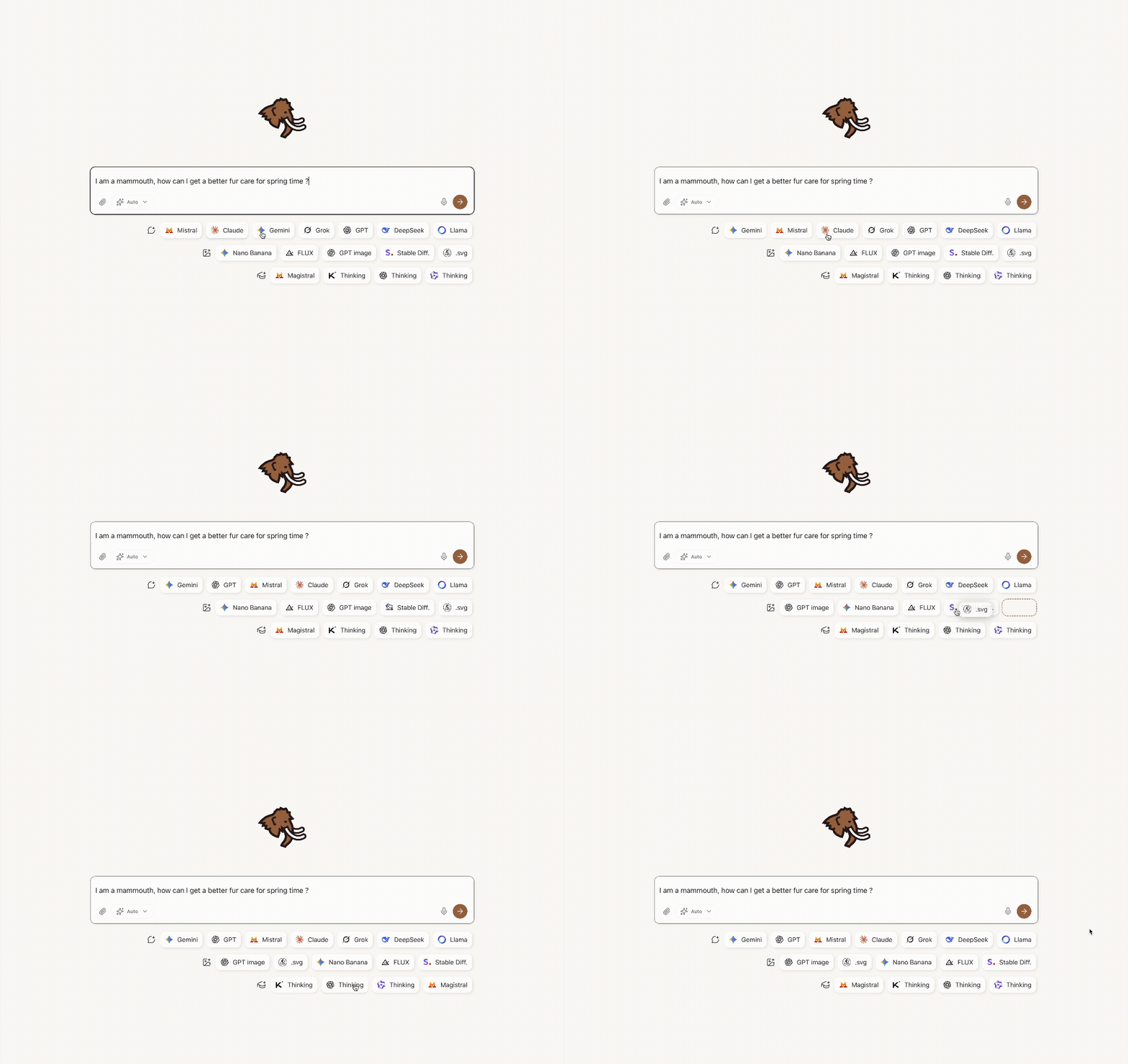
on desktop only
2. Create custom mammouths
Quick access by clicking on the big mammouth on new chat page
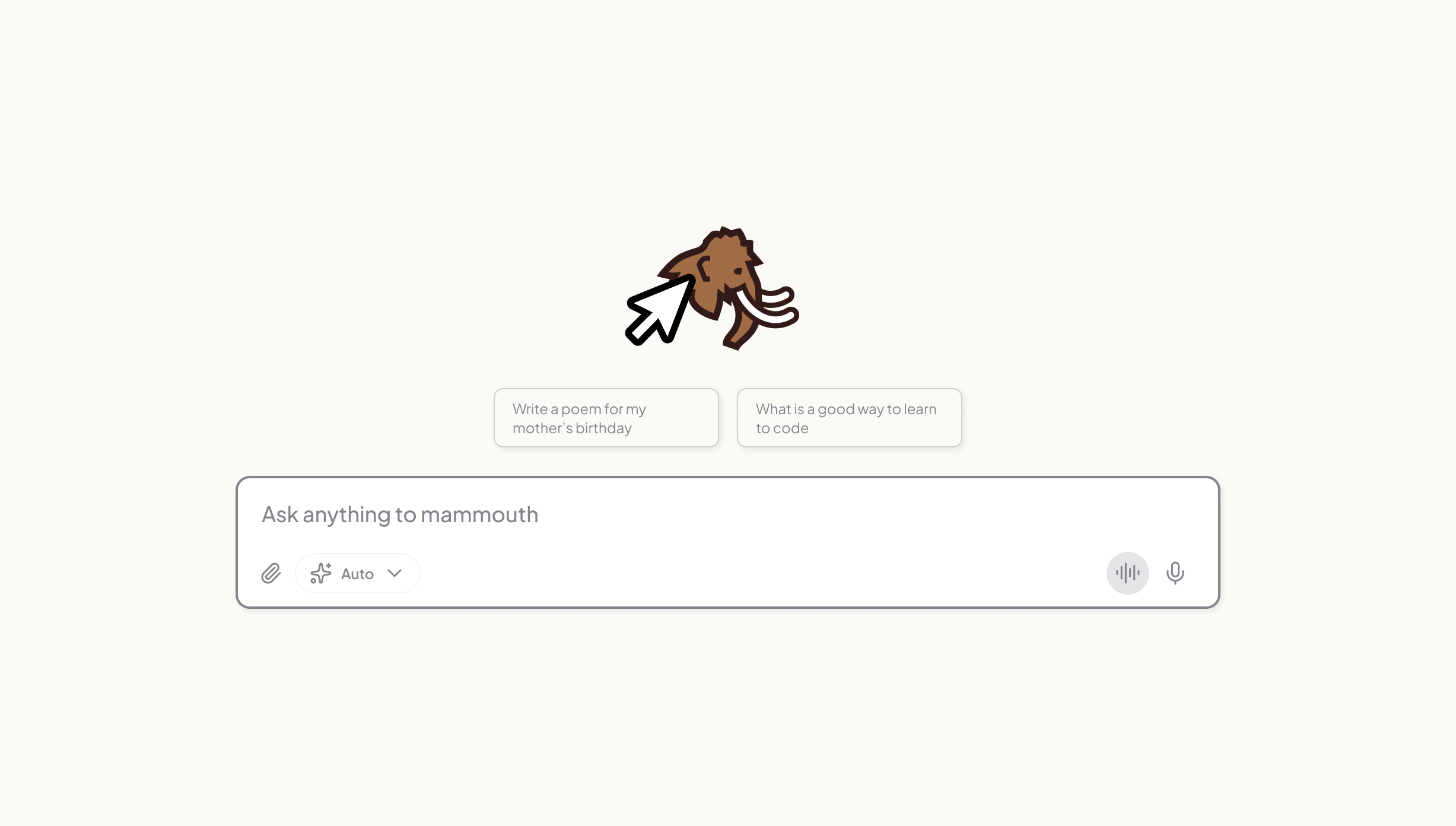
3. Use CTRL+K as shortcut to start a new conv
4. Choose your aspect ratio for images
Add --ar X:Y at the end of your prompt
Example : a cute blue mammoth in the moutain --ar 16:9
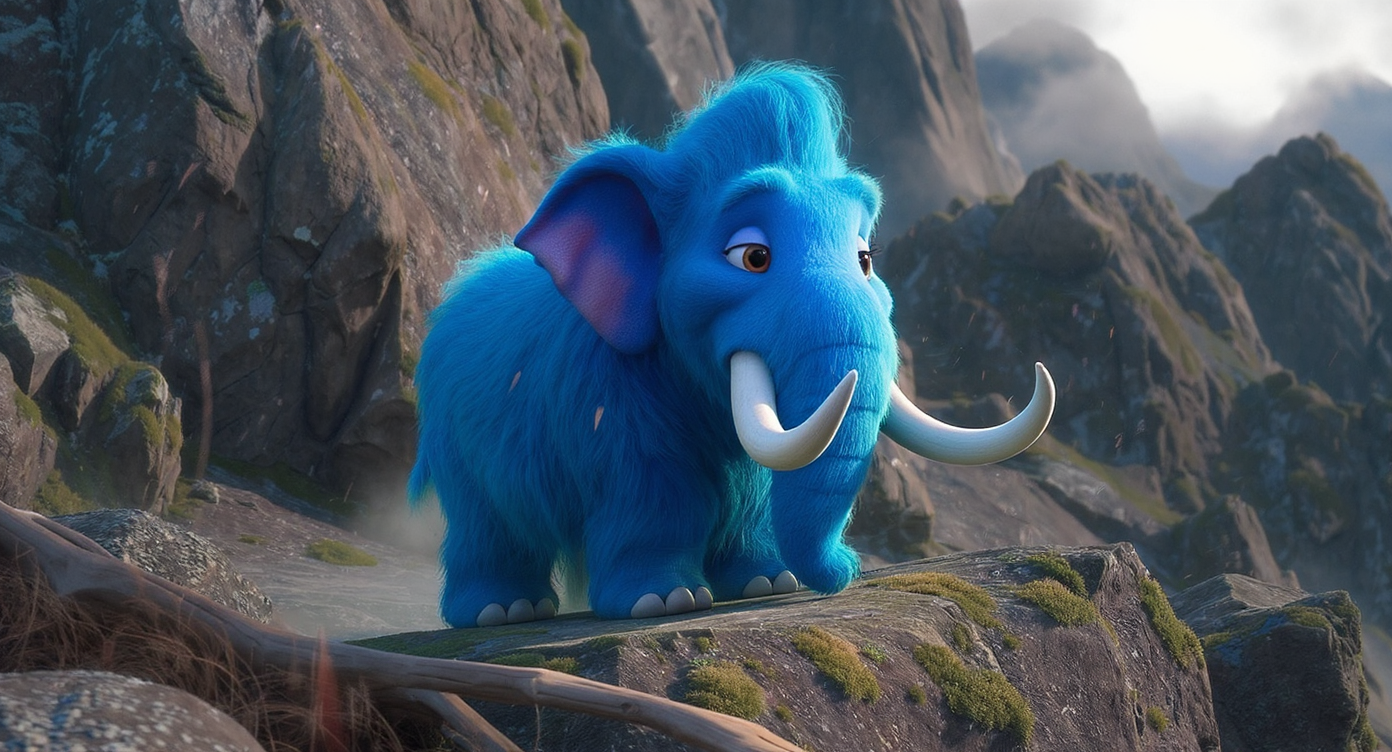
All parameters available are here
5. Install the Mammouth app on all your devices

6. Access the app directly (without visiting the home)
🟢 Ensure mammouth.ai/app/a/default comes first in your browser's quick search when you start typing "mammouth"
⭐ Save it in your favorites
💡If working on a project, you can save the mammouth url directly
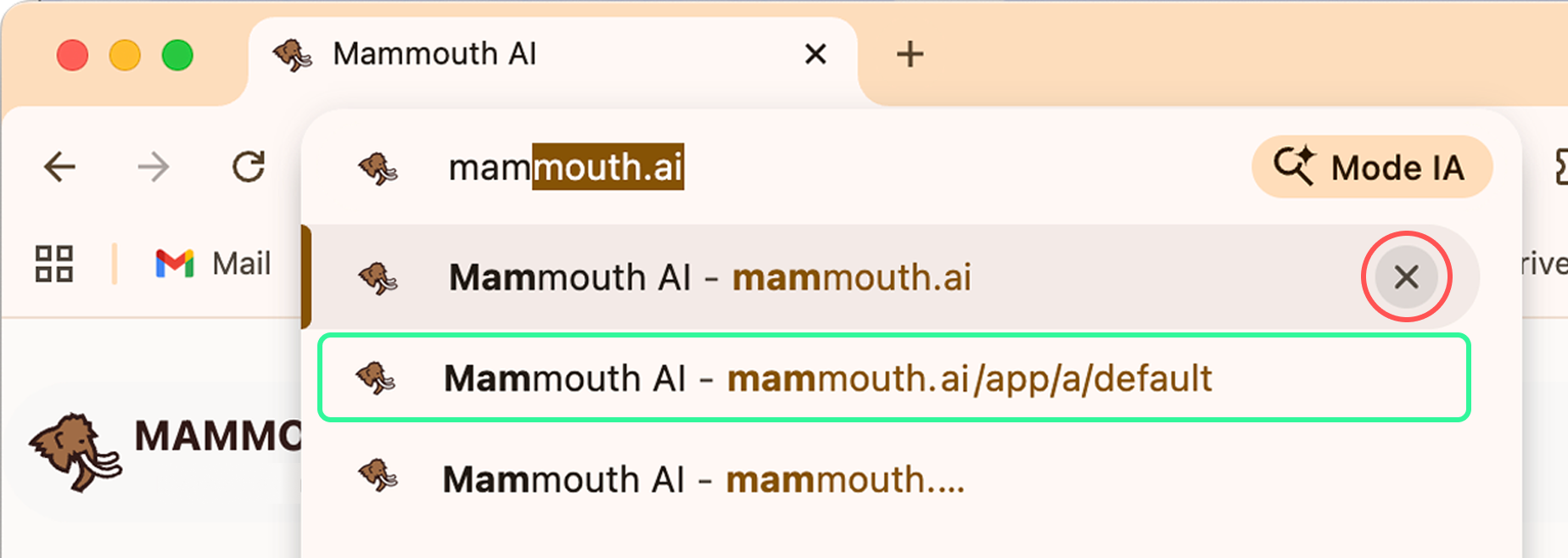 Kick mammouth.ai ✖️ out from top suggestion