How to use Image to Image
[UPDATE 26/05/2025: The releases of conversational FLUX and GPT Image increased image-to-images capabilities. Mammouth now better handles the DON'T usecases.]
Image models can now accept an attached image as input! Here is a guide on how to use this feature properly.
Image-To-Image with FLUX
🚫 DON’T: Ask for an edit
Attached image
🚫 Prompt: replace the mammoth with a cat
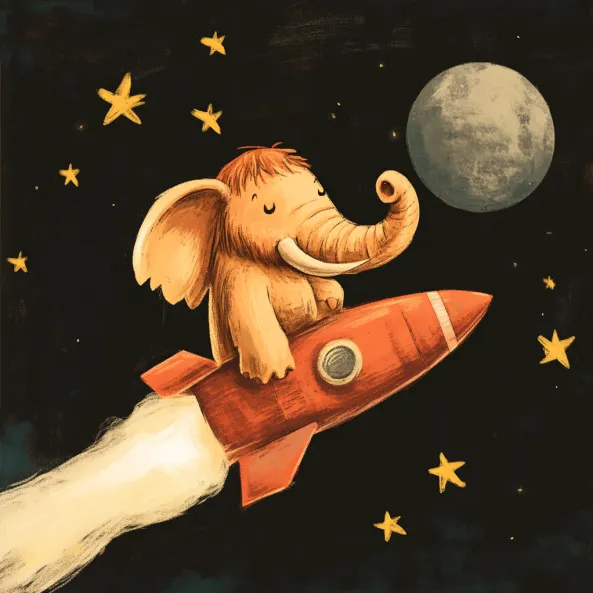
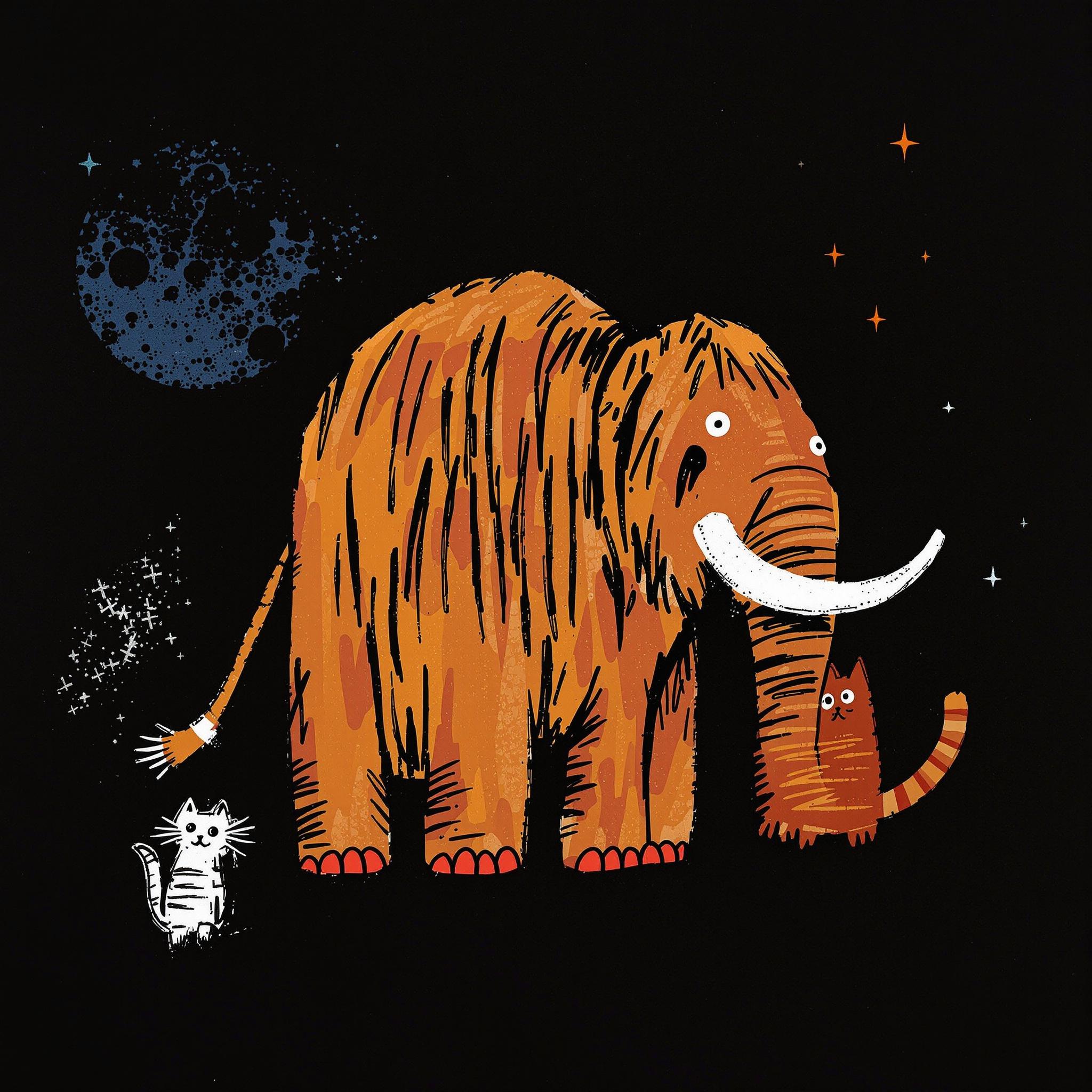
✅ DO: Write a complete prompt
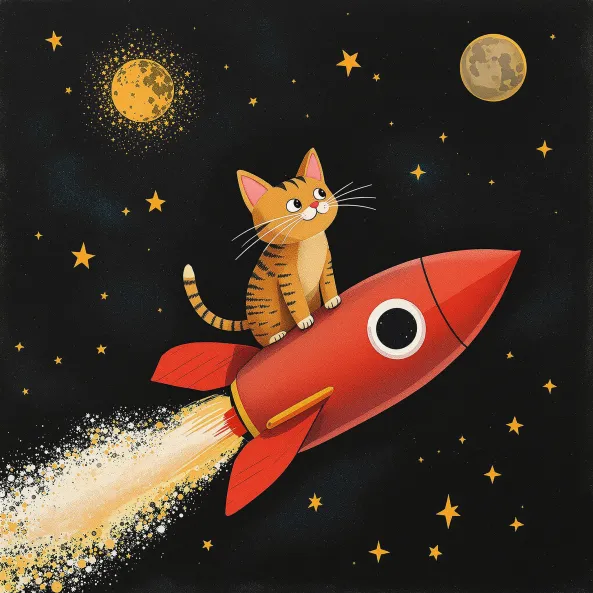
Attached image
✅ Prompt : a cat on a rocket in a dark sky with stars and the moon
Retexture with FLUX
The Retexture is a specific type of image to image that will rigorously keep the structure (”depth map”) of your image but follow the prompt instruction.

Attached image —> Depth map —> Generated images
Like for Image to image with Flux, you need to write the entire prompt expectation (no edit command will work)
Example of Retexture for the image above
Attached image
Prompt:
A cute mammoth on a flying banana toward a big soccer ball, with yellow birds in the sky
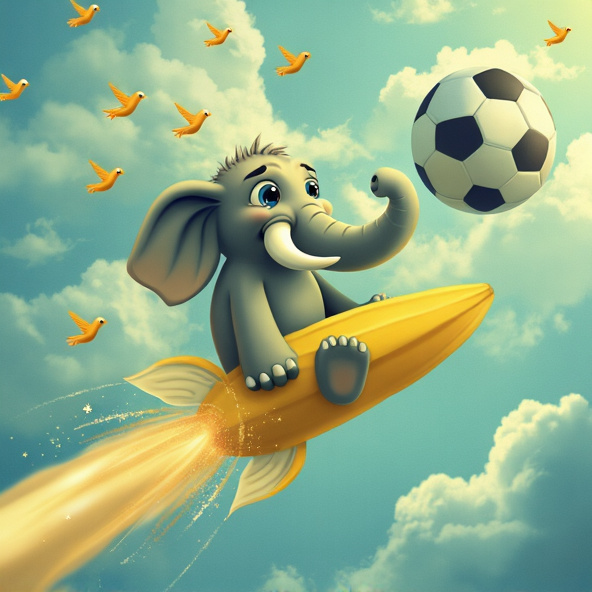
Prompt:
Female mammoth with a knot on the head
Prompt:
A mammoth in the sky with stars, on a rocket to the moon, stained glass style
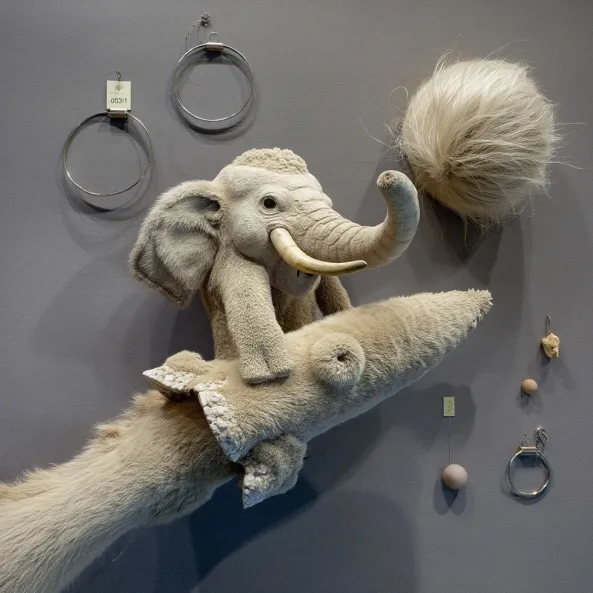
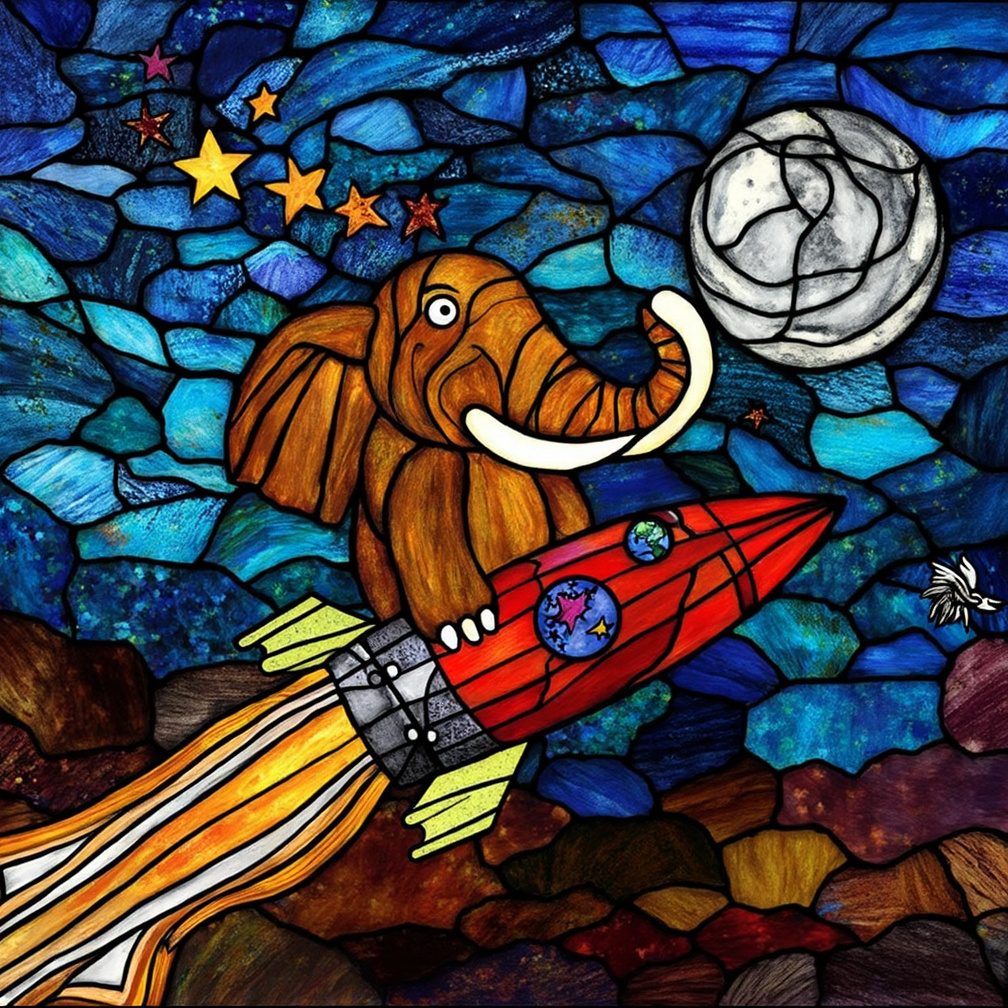
Prompt : ”female mammoth with a knot on the head”
Prompt : “a mammoth in the sky with stars, on a rocket, towards to the moon, stained glass style”
Notes
Mammouth uses FLUX Depth for Retexture and FLUX Redux for image-to-image generation. https://blackforestlabs.ai/flux-1-tools/